Powered by Soundslice
How it works
Soundslice combines sheet music with audio/video to help you learn and practice. Here’s an overview of how to use it.
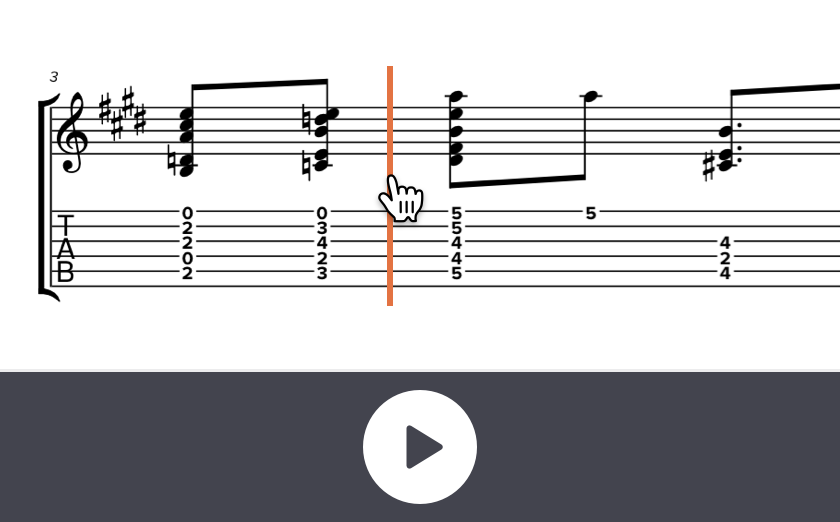
Play and navigate
During playback, notes will light up in sync. Click any note to jump to that moment of the audio/video.
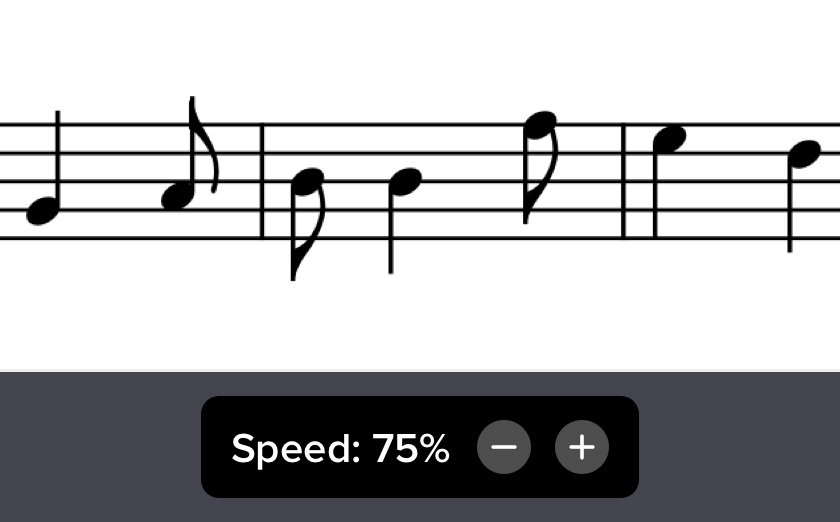
Change tempo
Slow down playback without changing pitch. The plus and minus buttons are shortcuts; click the number for finer-grained options.
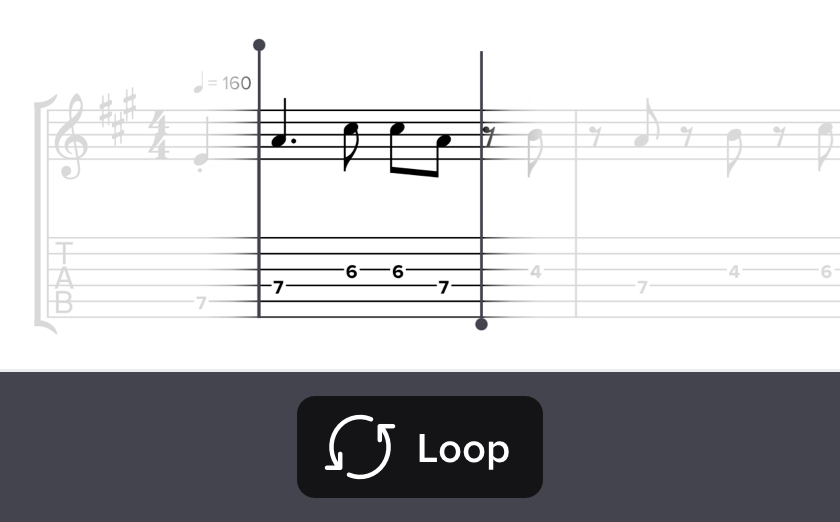
Loop sections
Drag across notes to loop playback. We’ll snap to the nearest note, rest or barline, for perfect loops.
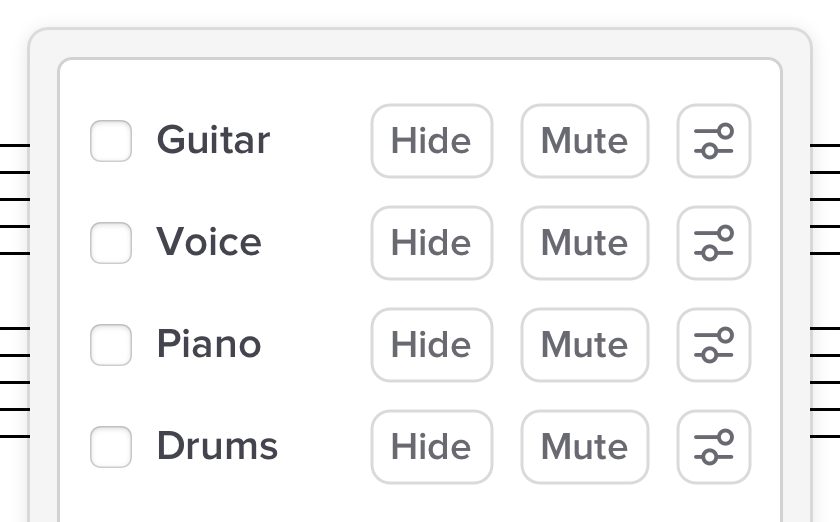
Focus on your part
Quickly hide or mute individual parts, so you can see and hear only the instrument you’re practicing.
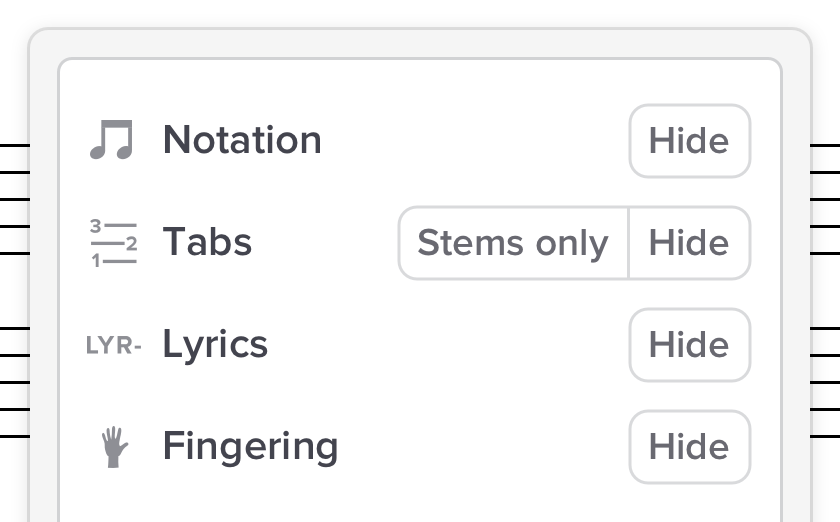
Customize the notation
Quickly toggle standard notation, tablature, fingering, lyrics, chord names and more.
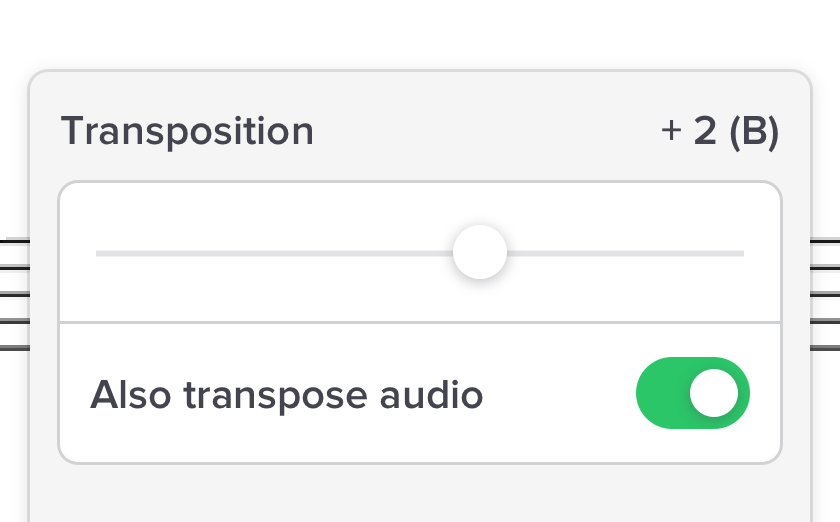
Transpose
Change keys instantly. Yes, we even transpose tab, making best guesses for fingerings.
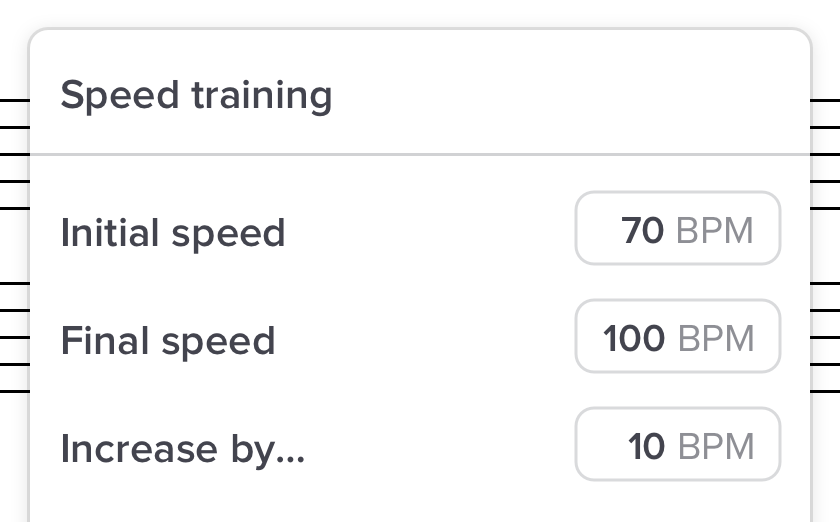
Speed training
Ease from comfortable speeds to more challenging ones by gradually increasing the playback speed.
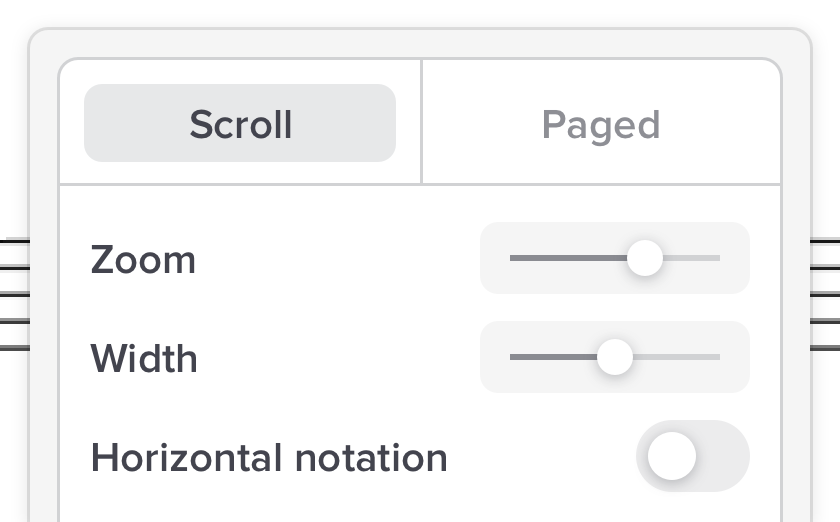
Customize layout
Lay out the notation exactly how you prefer, fitting whatever screen you’re using.
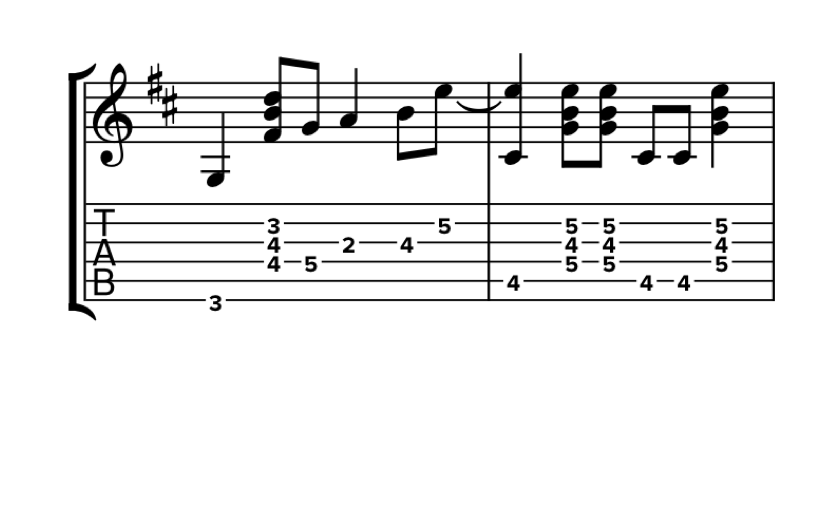

Fullscreen
Enter fullscreen mode to remove distractions and focus on your music.
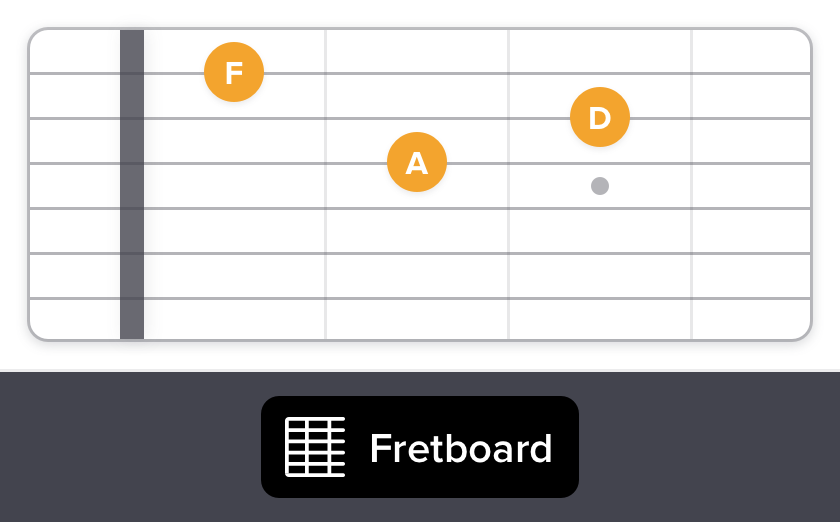
Visual fretboard
For fretted instruments, such as guitar, our visual fretboard lights up notes during playback. Great for visual learners.
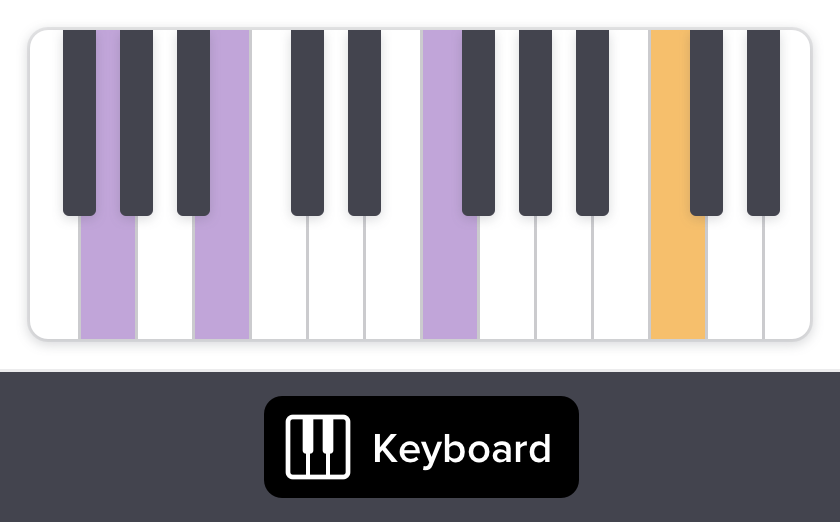
Visual keyboard
The visual keyboard lights up which keys are played. Toggle between left-, right- and both-hand views.
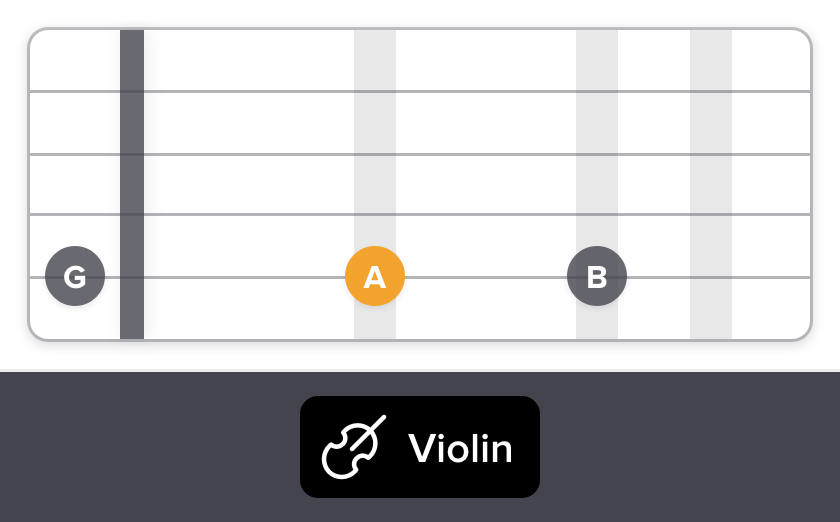
Visual violin
The visual violin shows the instrument’s fingerboard, with notes lighting up on the strings during playback. Great for beginner violinists.
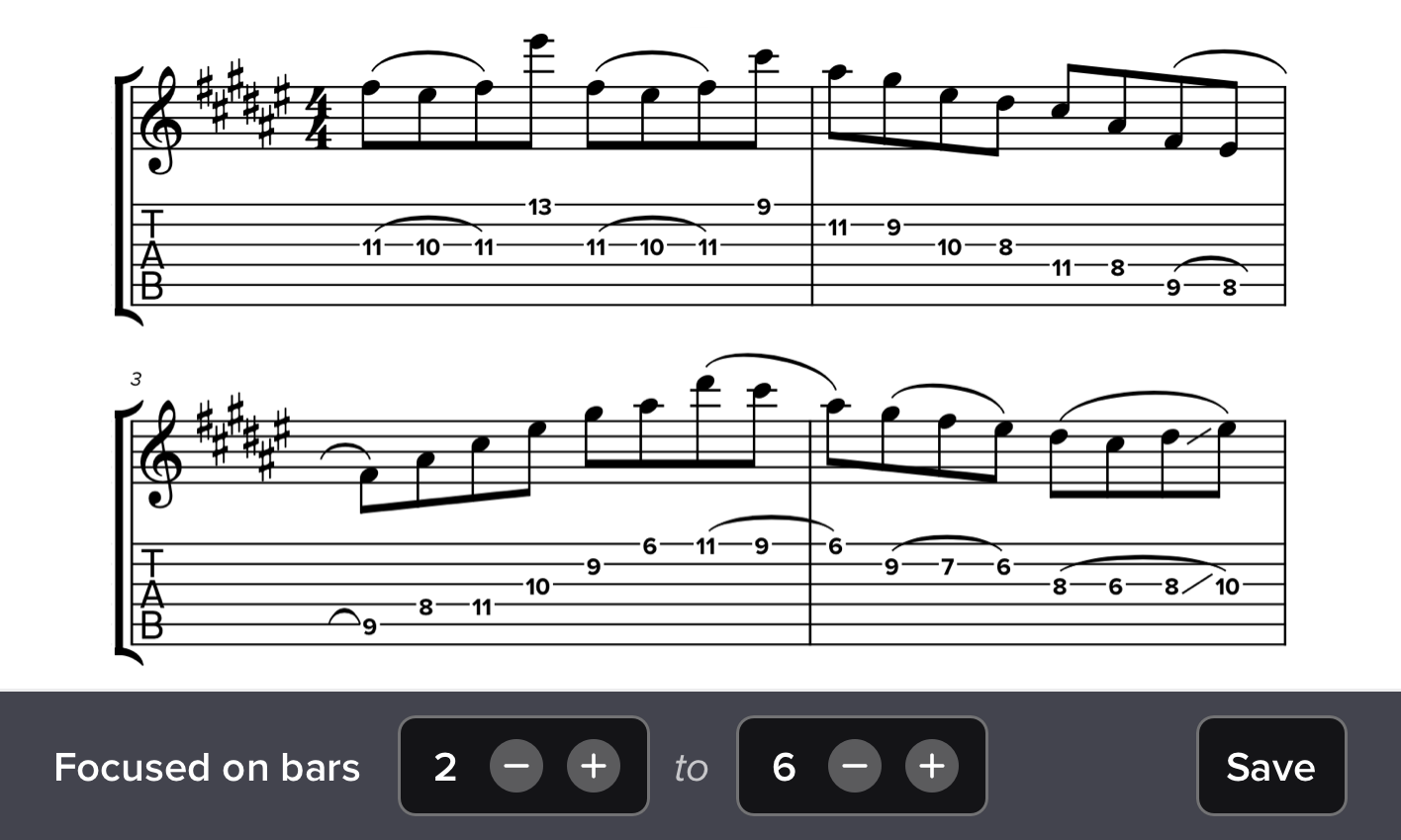
Focus mode
Select any range of bars and we’ll hide all other notation (and audio). Save these as “clips” for easy access later.
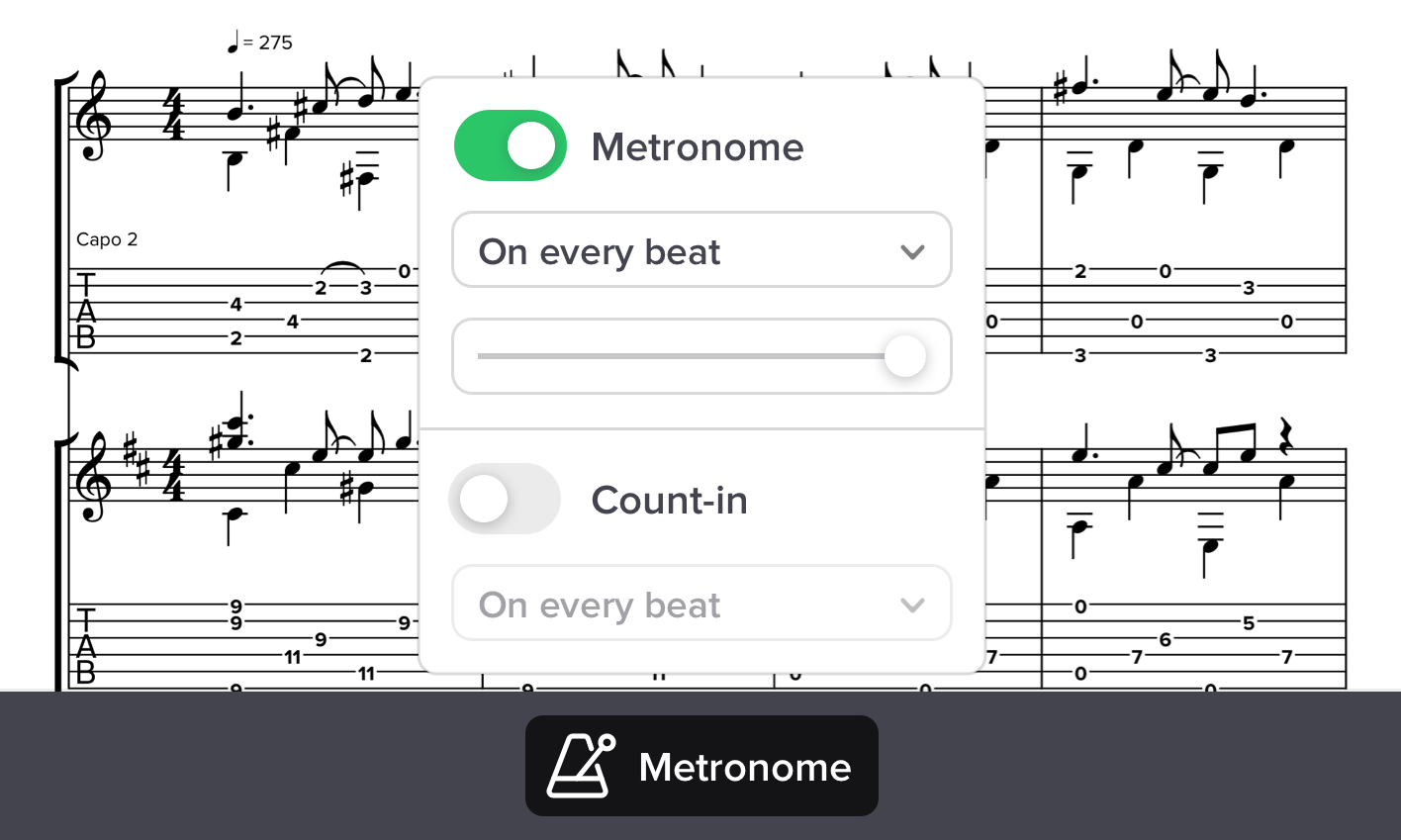
Metronome and count-in
Hear a rhythmic pulse during audio playback, even accounting for tempo variations during a synced performance.
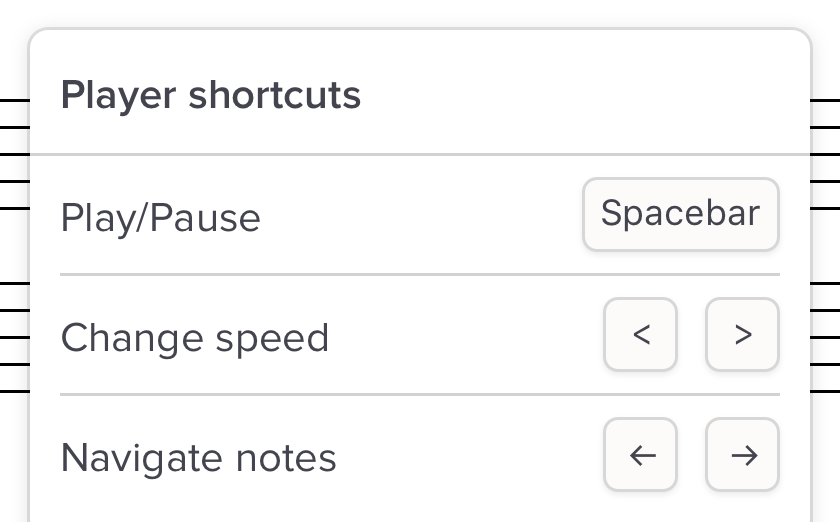
Shortcuts
Quickly play/pause, change speed, navigate the notation and zoom in/out with keyboard shortcuts.
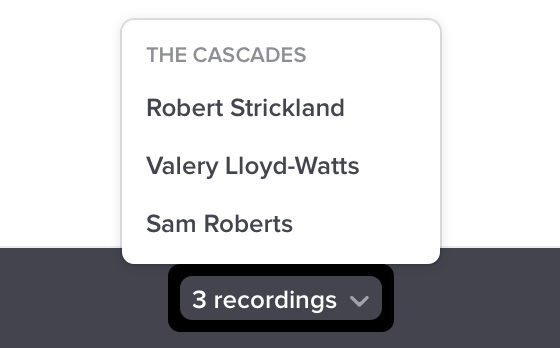
Multiple recordings
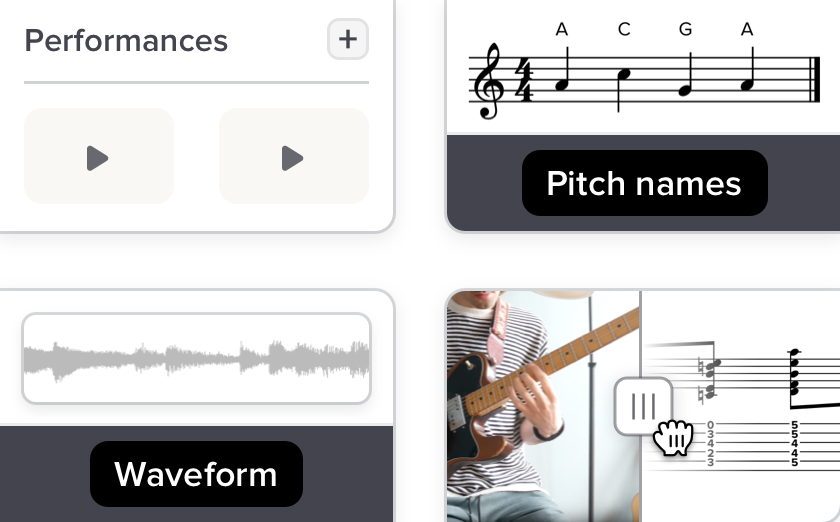
Any music in Soundslice can be synced with multiple (different) performances. Great for comparing different musicians’ approaches to the same piece.
And much, much more
Record yourself performing, show pitch names, rhythm counts, see a waveform view and much more.
Want to use it with your own music?
-
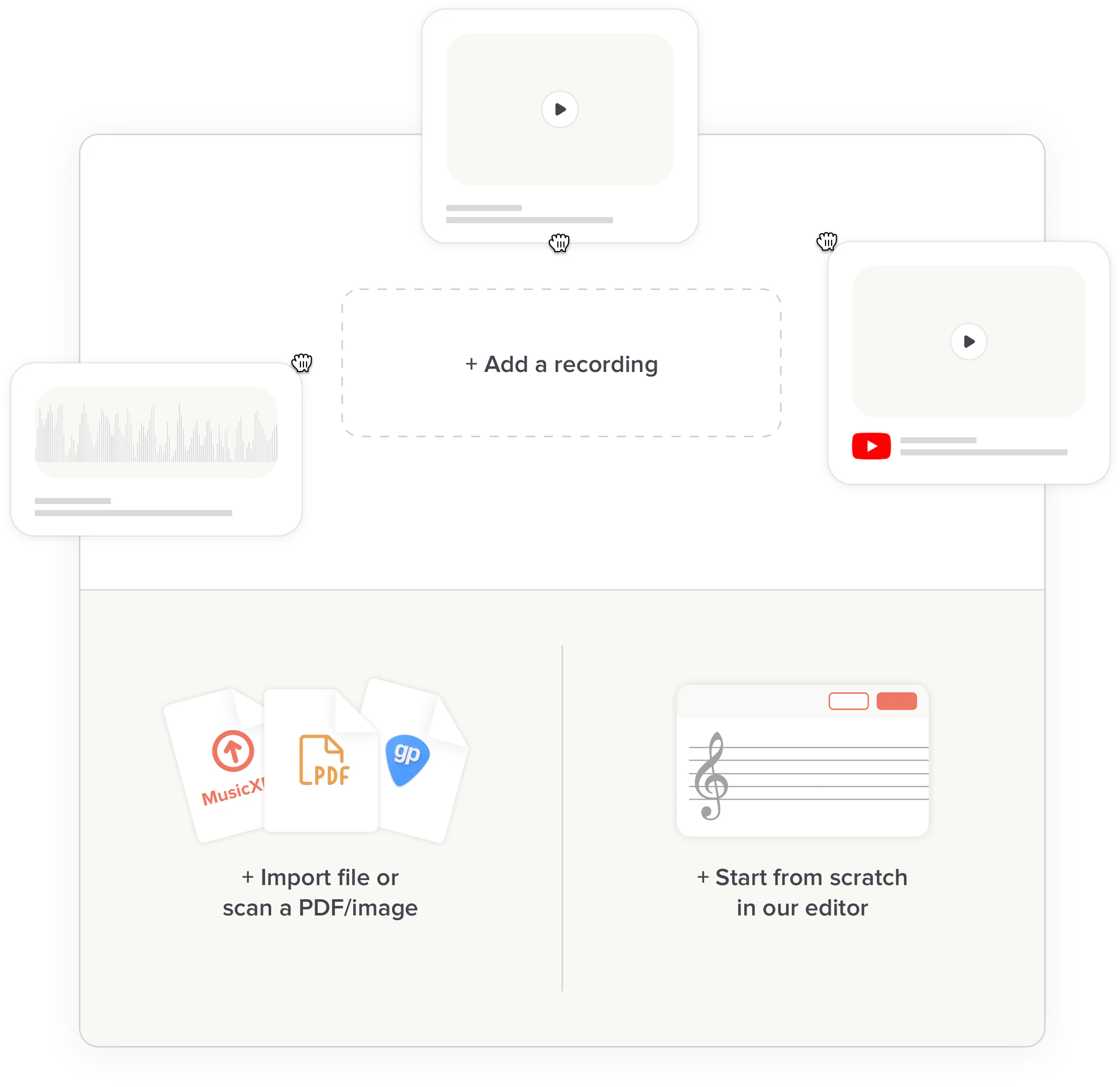
Use our import features if you have existing music. Our PDF/image scanner works on photos or PDFs, and we also read some native file formats (MusicXML, Guitar Pro and more).
-
Or start from scratch. Use our full-featured notation and tab editor to create sheet music. It’s free for basic usage, and there’s no limit on how many pieces of music you have in your account.
-
Sync with real recordings. Our syncpoint editor makes it easy to sync your sheet music with YouTube or MP3s. Just press Play and tap your keyboard on the downbeats.
-
Create on desktop, tablet and mobile with nothing to install. Everything works in your web browser, saved in the cloud.
-
Simple to share. Sharing with students, bandmates or choirmates is as easy as sending a link.
Create a free Soundslice account
Upload music to build your own custom practice environment.
Sign up to get startedNeed any help? Contact us any time.