New: Create headers in lists
February 10, 2026
You can now add headers to your lists. This is a lightweight way to organize the slices within a list, and it gives you a quick way to show/hide sections of slices in the list.
To add a header, edit the list and click next to one of the slices, then choose “Add header.”
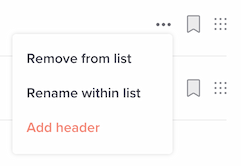
Enter the header text, and you’re done.
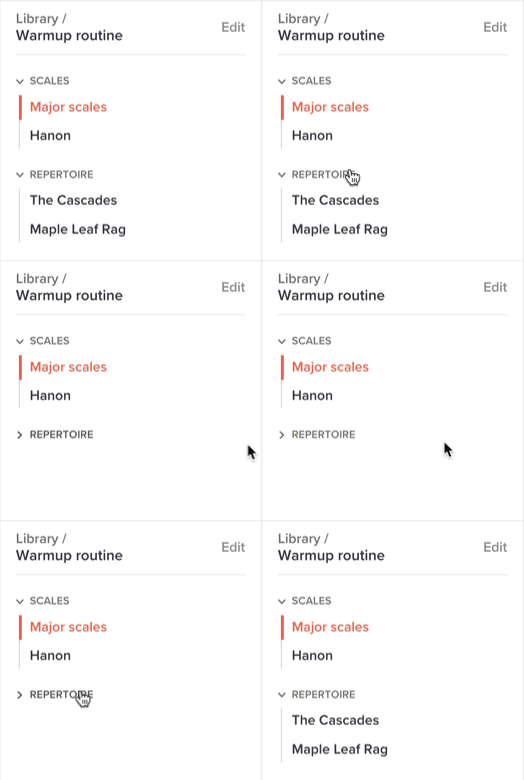
From then on, when viewing the list, you’ll see the header in the left sidebar when practicing in your list, and you’ll be able to click it to toggle slices:
For more info, see our updated help page on lists.